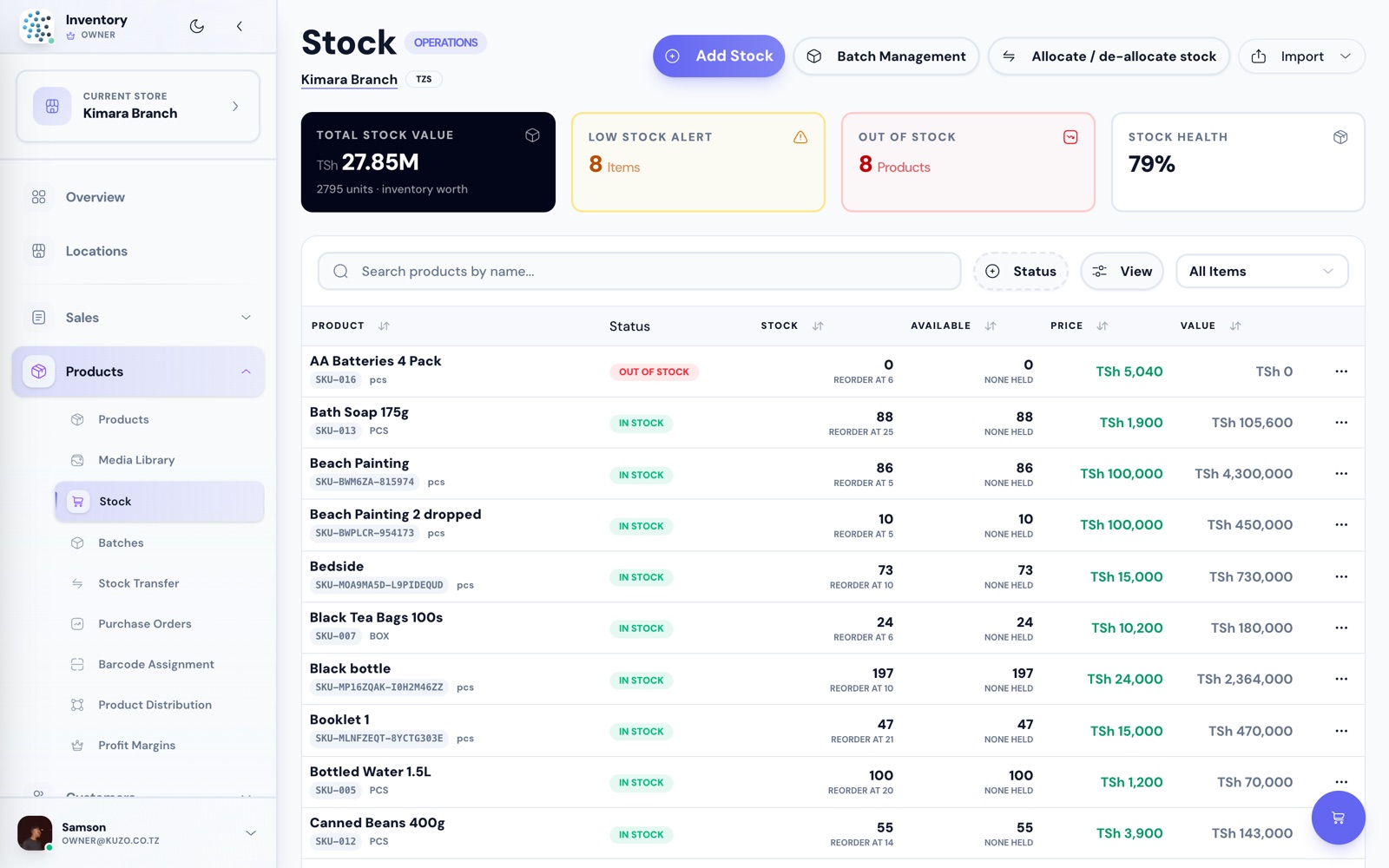
STOCK
Never sell what you do not have.
Live quantities per store, reorder points and low-stock alerts, with the value of everything sitting on your shelves.
Stock health score, out-of-stock and low-stock flagged

Kuzo IMS records every sale, counts every item and shows you the day's profit — for one shop or all your branches. In English or Kiswahili, priced in shillings.
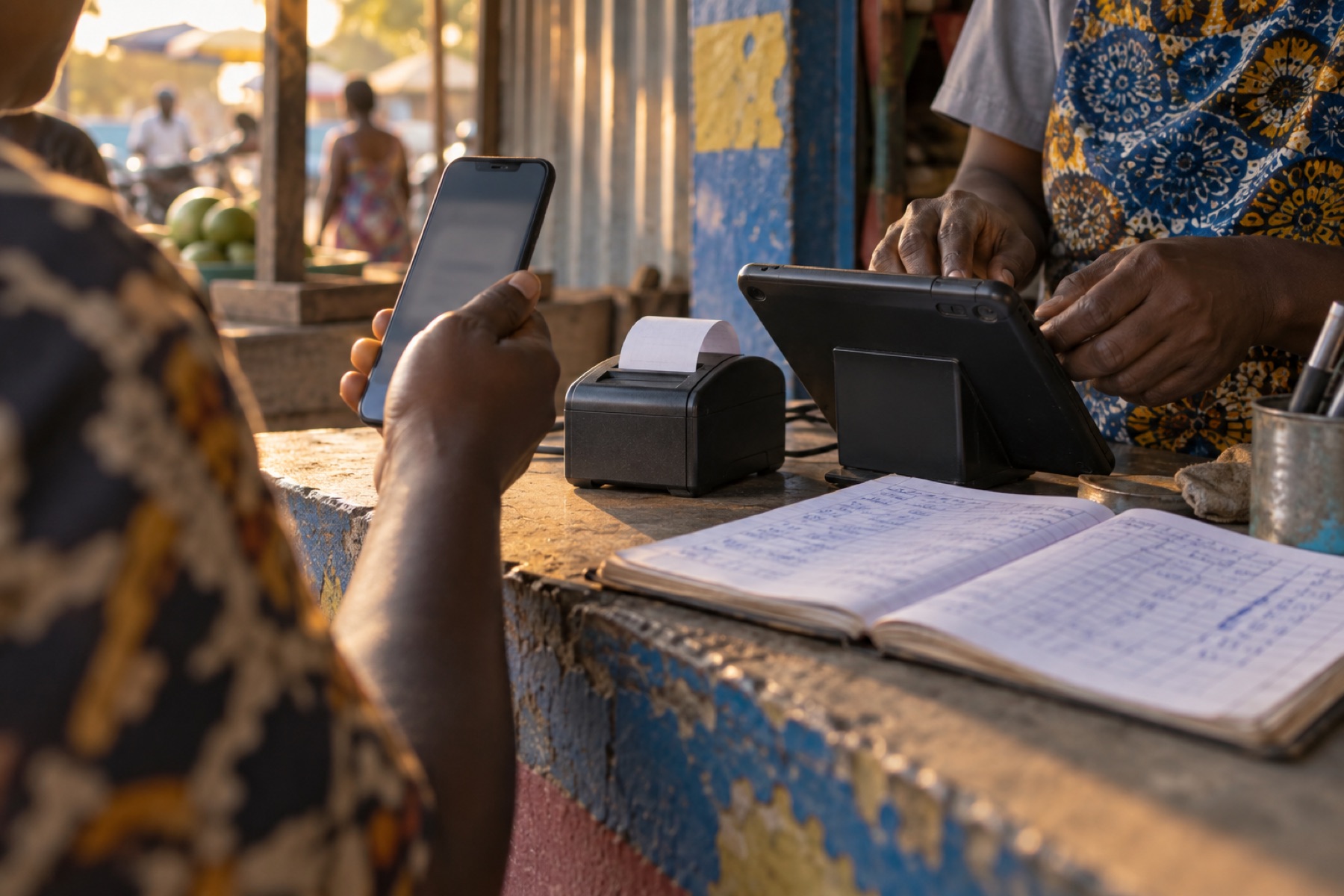
Built in Dar es Salaam, for shops across Tanzania and East Africa.
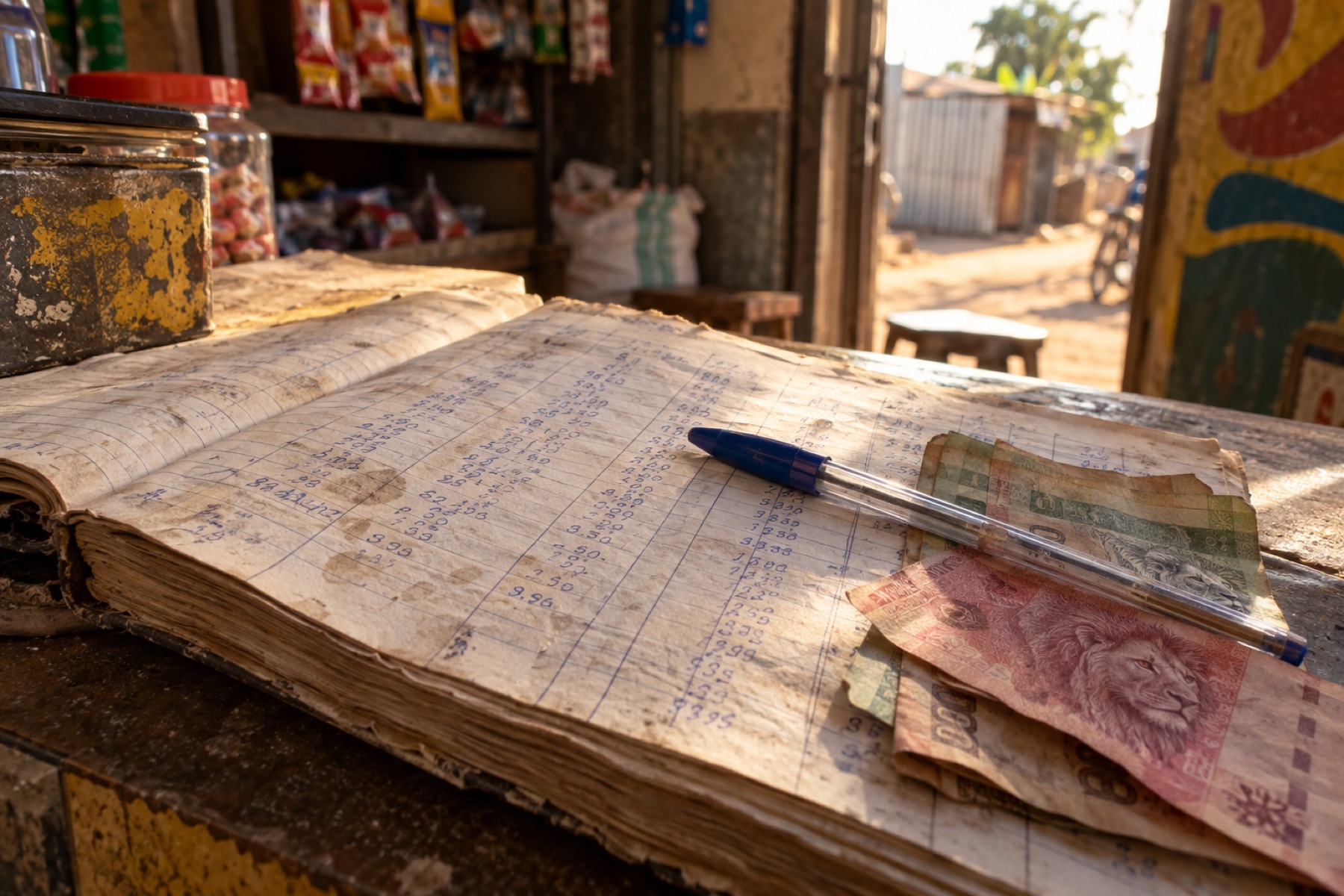
Nothing changes about how you sell. What changes is that at the end of the day, the numbers are already there.
Kuzo is not another job on top of the shop. It sits inside the day you already work.
Yesterday closed itself. Stock levels, what sold, what is running low — waiting for you before the first customer walks in.

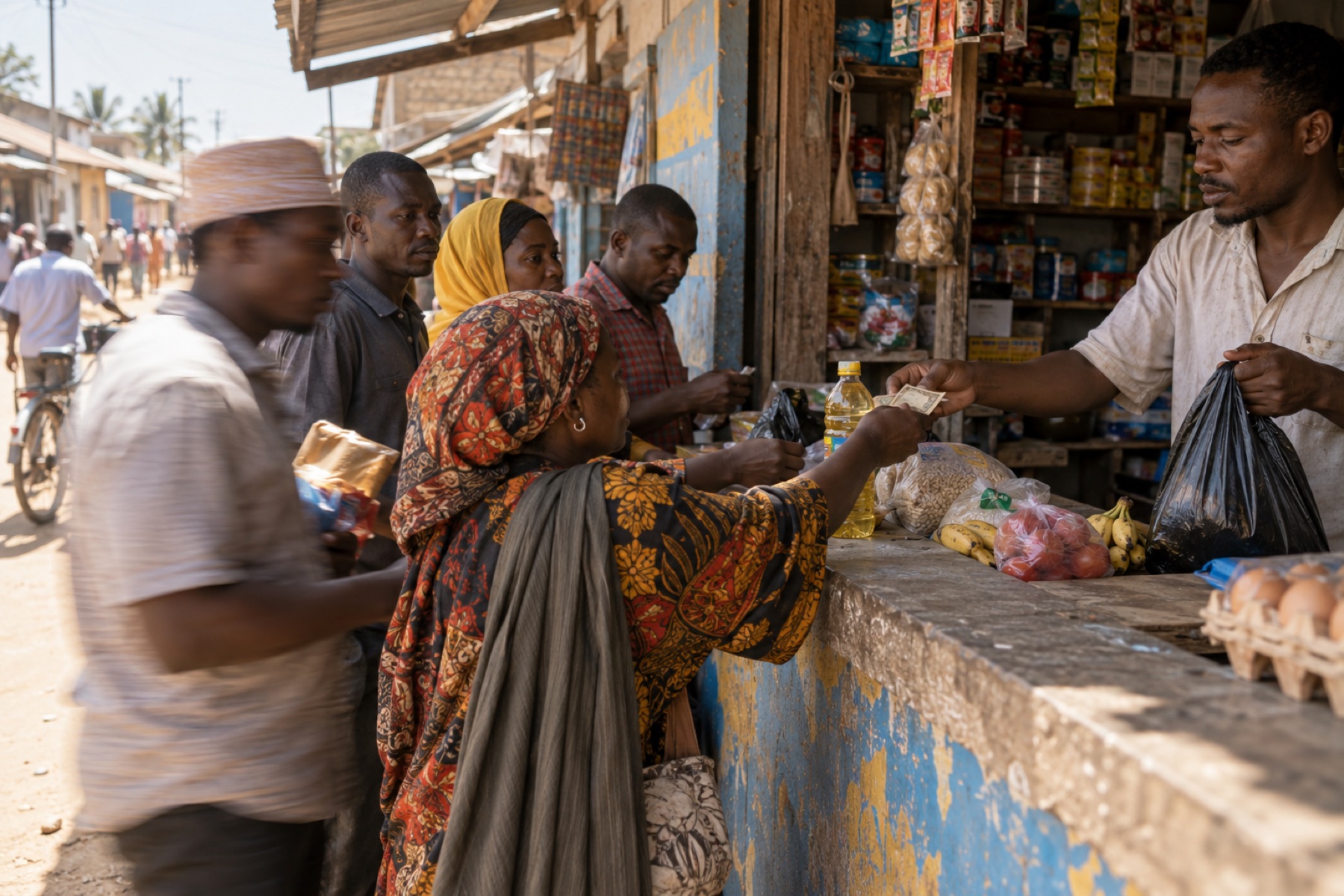
Ring up a sale in a few taps. Cash, mobile money or part payment. Stock drops as you sell, so the shelf and the screen never disagree.
Reorder points, supplier prices and cost against selling price — so you order from the numbers instead of a feeling.

Not just what came in — what was left after cost. Revenue, profit, margin and outstanding debt for the day, the week or the month.

Kuzo's point of sale runs in the browser on the shop laptop and on the phone in your pocket. Scan or tap, take the payment, print the receipt — and the stock count moves with it.
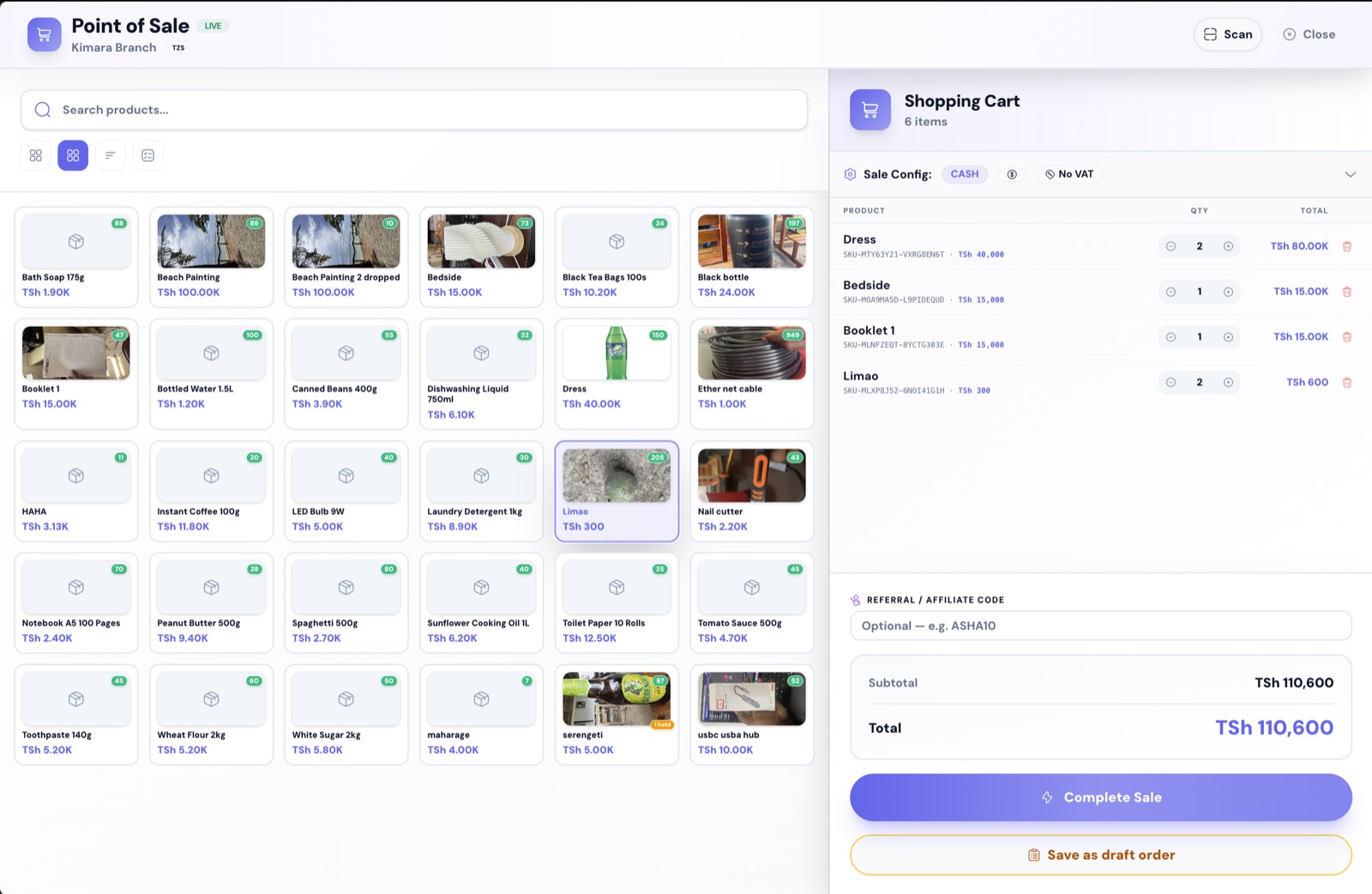
Use a barcode scanner, or search by name or SKU. Products with photos show as a grid you can tap through — switch to a compact list when the catalogue gets long.
Every product tile shows the price and the stock left. Tap to add, adjust the quantity in the cart, and the running total is always in front of you.
Set the payment method and arrangement per sale — full payment, part payment or credit on the customer's account.
Charge VAT where you need to and leave it off where you do not. The sale config sits at the top of the cart, not buried in settings.
Save as a draft order when a customer steps away or goes to fetch money. Come back to it at the counter without re-scanning.
Take a referral code at checkout and the commission is tracked against it automatically.
Scroll through the workhorses. Every screen below is the real product.
Live quantities per store, reorder points and low-stock alerts, with the value of everything sitting on your shelves.
Stock health score, out-of-stock and low-stock flagged
Scan or tap the product grid, adjust quantities in the cart, take cash, mobile money or part payment, and print the receipt.
Barcode scan, VAT toggle, draft orders, referral codes
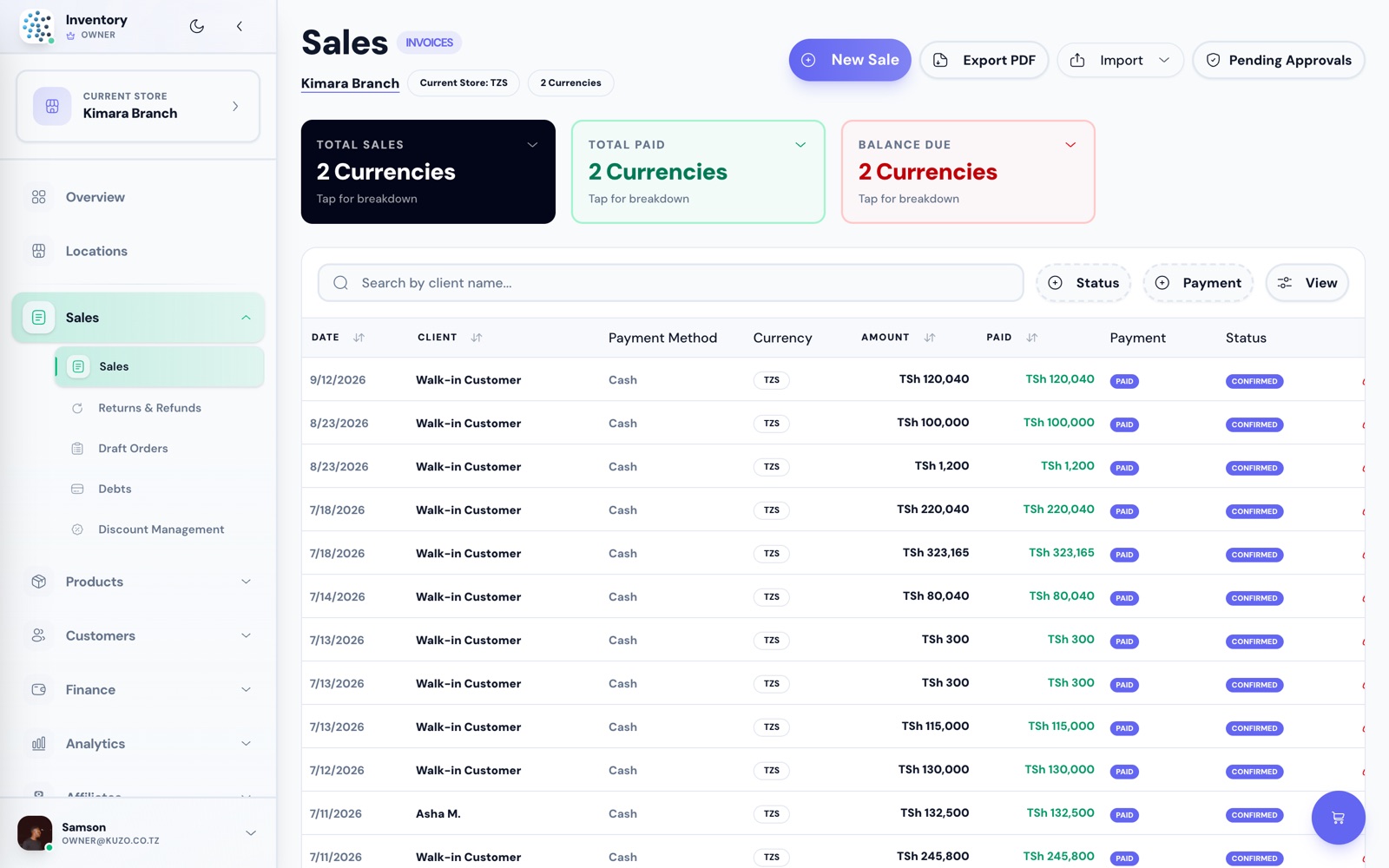
Credit sales keep a running balance per customer, so nothing is lost between the notebook and the month end.
Balance due tracked on every invoice
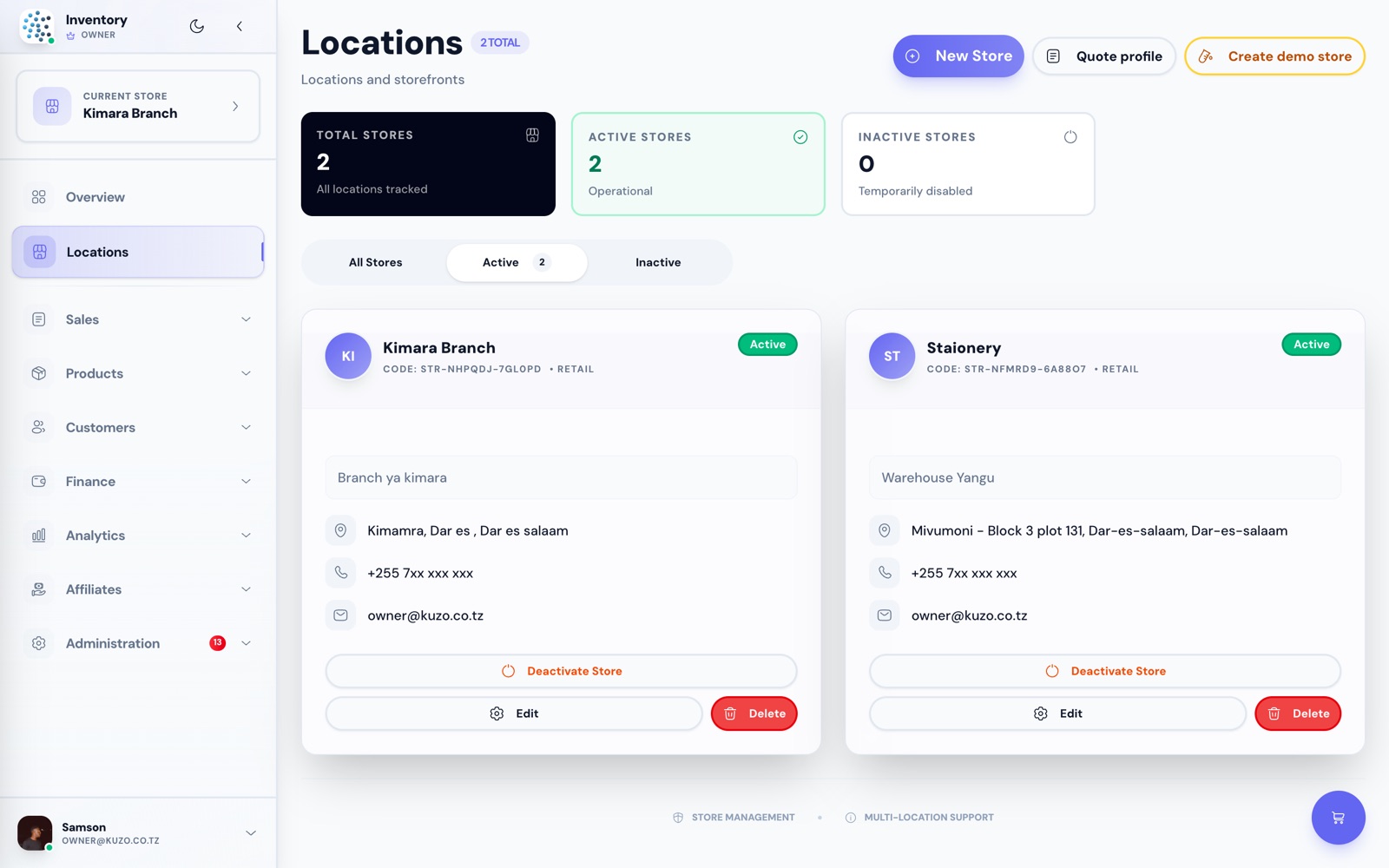
Add a second store in minutes. Compare branches, move stock between them, and give each one its own staff.
Per-store stock, sales and staff access
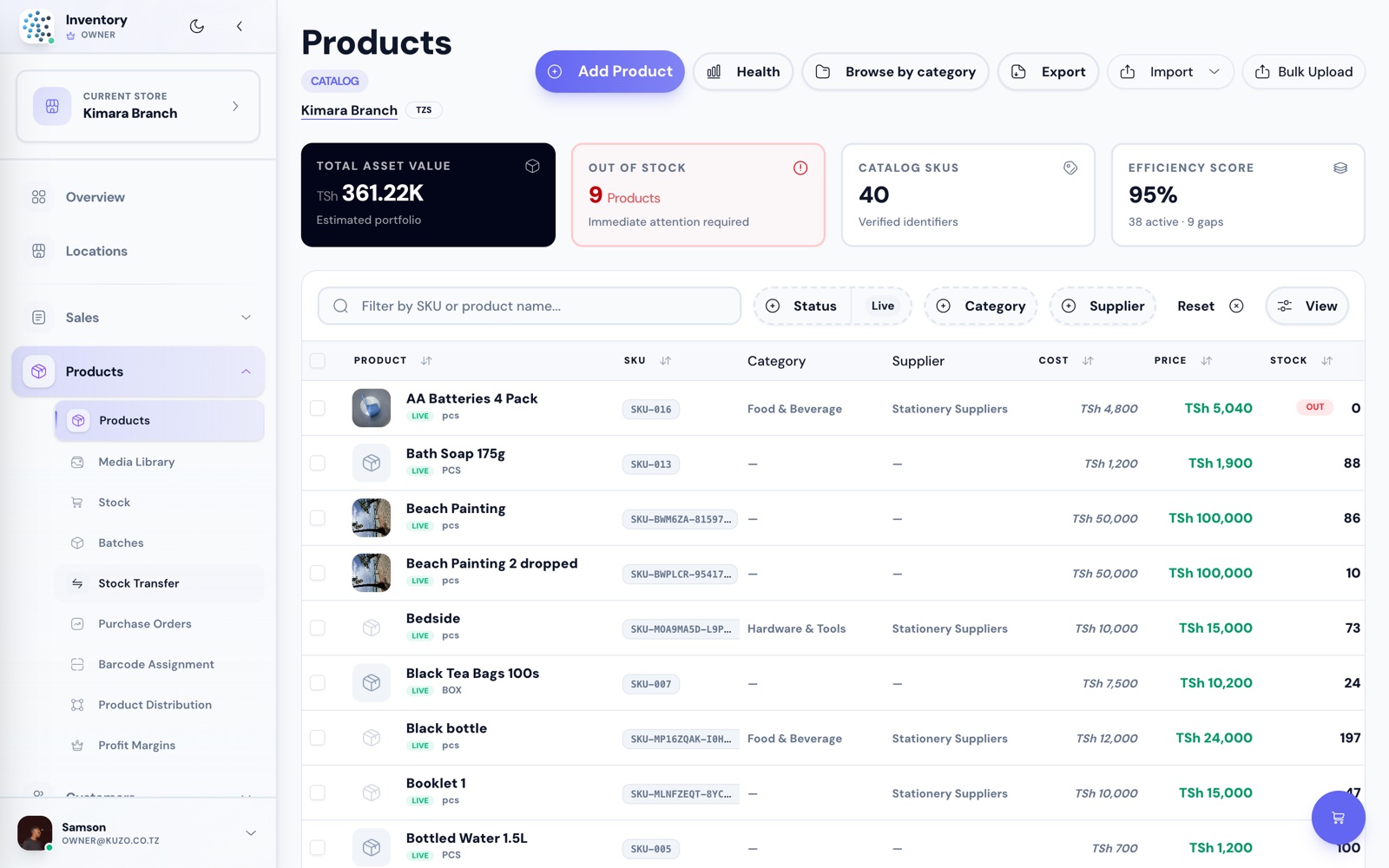
Cost price and selling price side by side, categories, suppliers, SKUs and barcodes — imported in bulk if you already have a list.
Bulk import, barcodes and margin per item
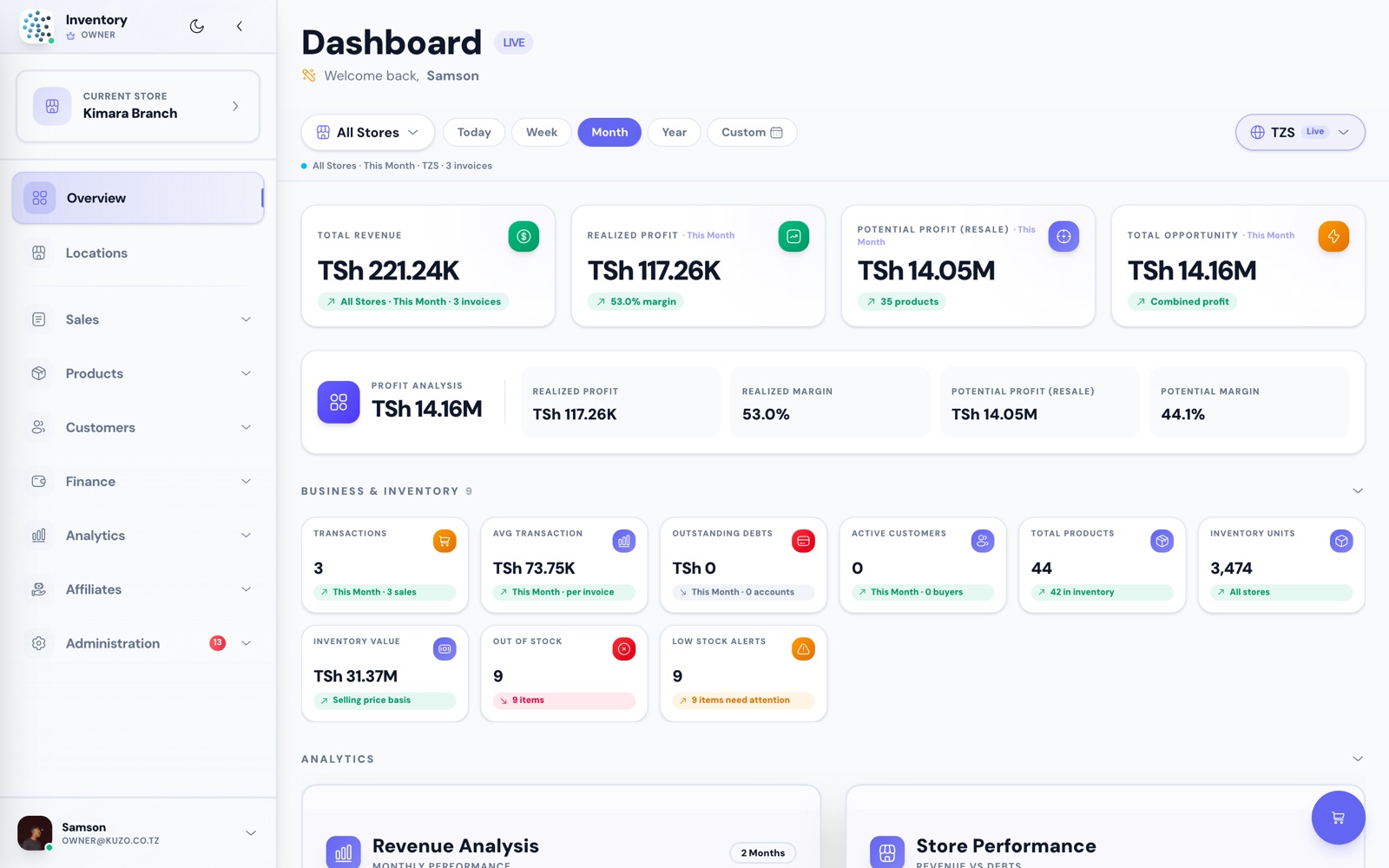
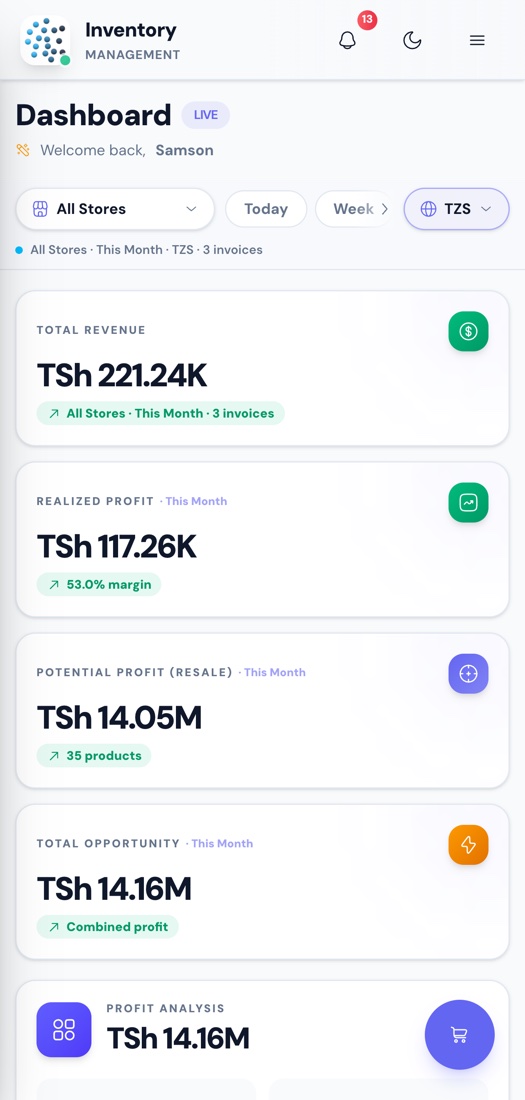
Revenue, realised profit, margin and inventory value for today, this week, this month — per store or all stores together.
Live dashboard in TSh, exportable to PDF
Swipe to see more →
Live quantities per store, reorder points and low-stock alerts, with the value of everything sitting on your shelves.
Stock health score, out-of-stock and low-stock flagged
Scan or tap the product grid, adjust quantities in the cart, take cash, mobile money or part payment, and print the receipt.
Barcode scan, VAT toggle, draft orders, referral codes
Credit sales keep a running balance per customer, so nothing is lost between the notebook and the month end.
Balance due tracked on every invoice
Add a second store in minutes. Compare branches, move stock between them, and give each one its own staff.
Per-store stock, sales and staff access
Cost price and selling price side by side, categories, suppliers, SKUs and barcodes — imported in bulk if you already have a list.
Bulk import, barcodes and margin per item
Revenue, realised profit, margin and inventory value for today, this week, this month — per store or all stores together.
Live dashboard in TSh, exportable to PDF
Purchase orders, batches and expiry, expenses, suppliers, affiliates, user permissions, exports and audit logs.
See every featureEvery screenshot here comes from a live Kuzo account. Click through and see what you are signing up for.
Revenue, realised profit, margin, outstanding debt and inventory value — filtered by store and by period.
Screenshots from a live demo account. Figures shown are demo data.
From a single duka run off one phone to a chain with branches across the region, the same system grows with you.
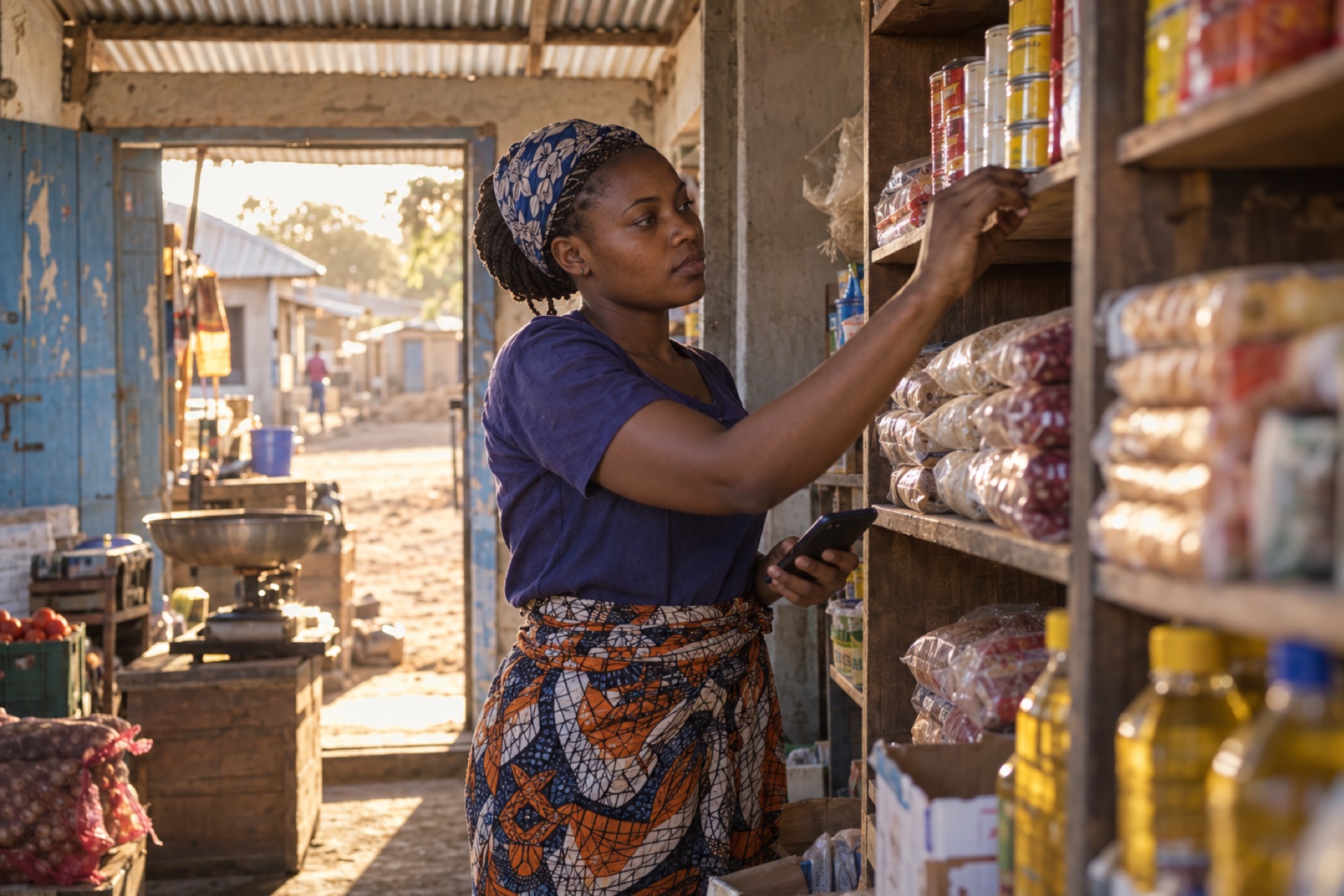
Run the whole shop from your phone. Stock, sales and daily totals without a ledger book.

Sell after hours and on weekends. Kuzo keeps count while you are at your day job.
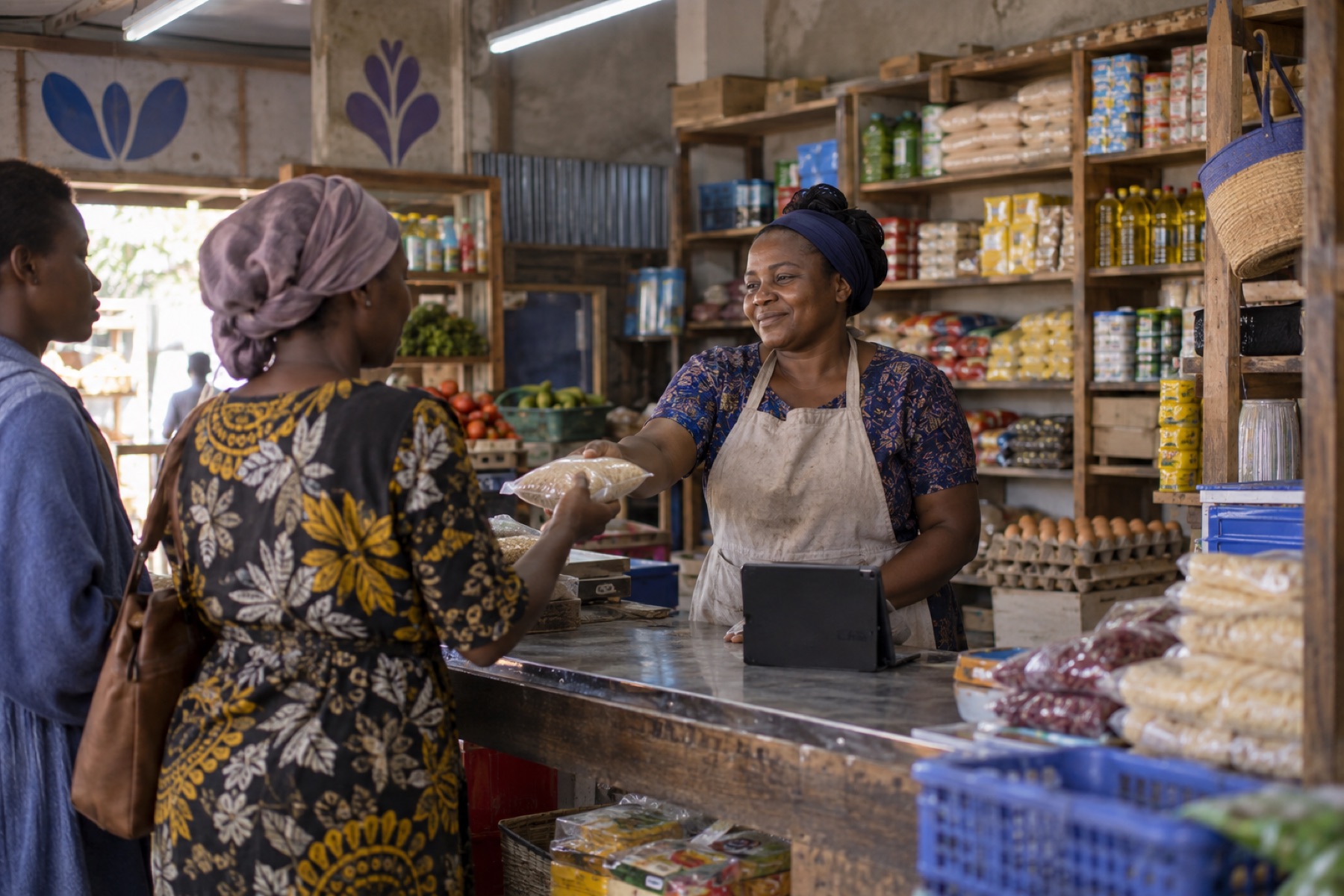
Serve customers faster at the counter, print receipts, and see what is running low before it runs out.
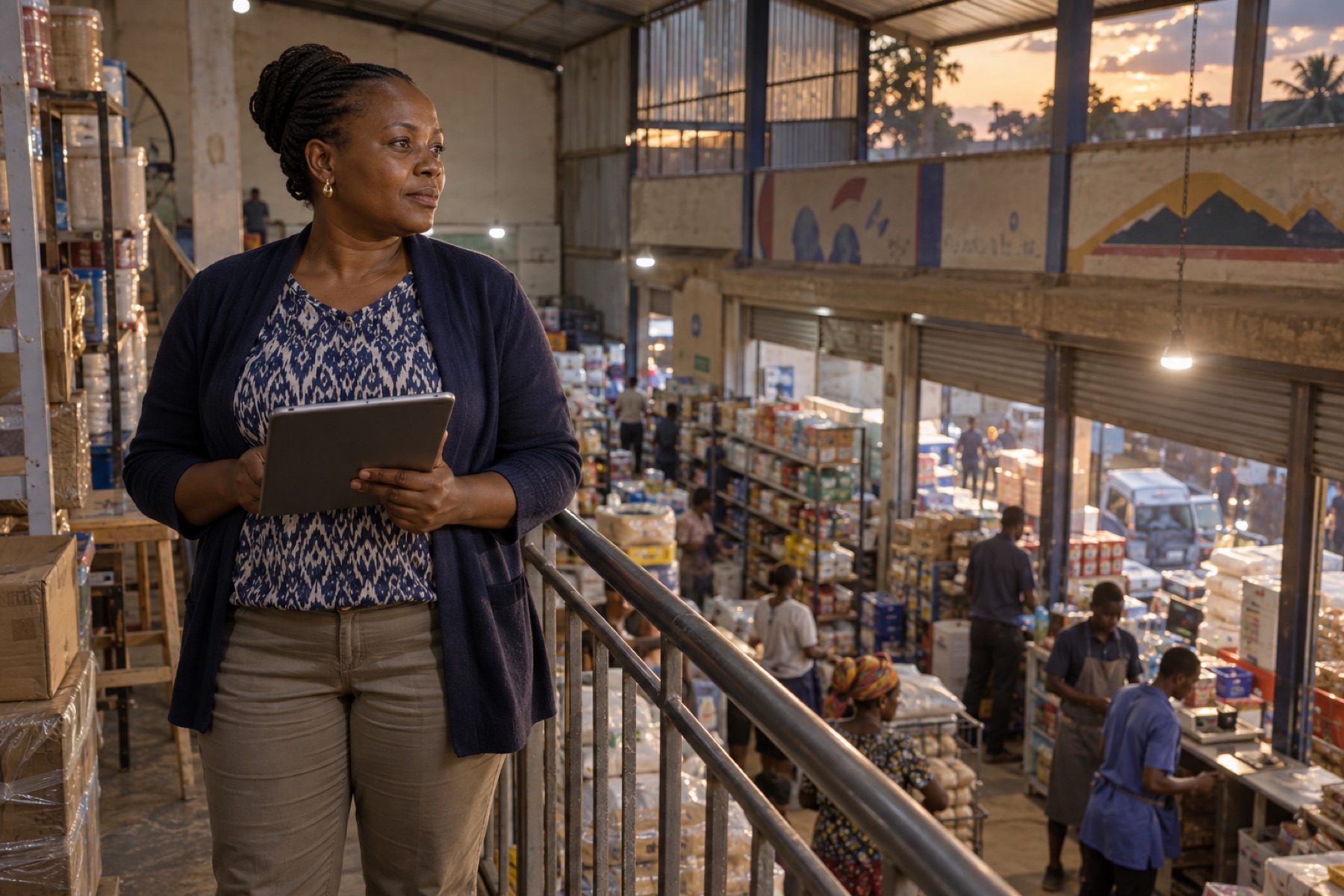
Every branch on one dashboard. Transfer stock, compare stores and control staff access.
Open Kuzo on the phone you already carry. Check stock from the wholesaler, watch today's sales while you are out, and see every branch without going there.

Create a free account, add a handful of products, and record your first sale before the shop closes. No card, no contract.
Free tier: 20 products, 3 stores, full POS and reports at TSh 0.